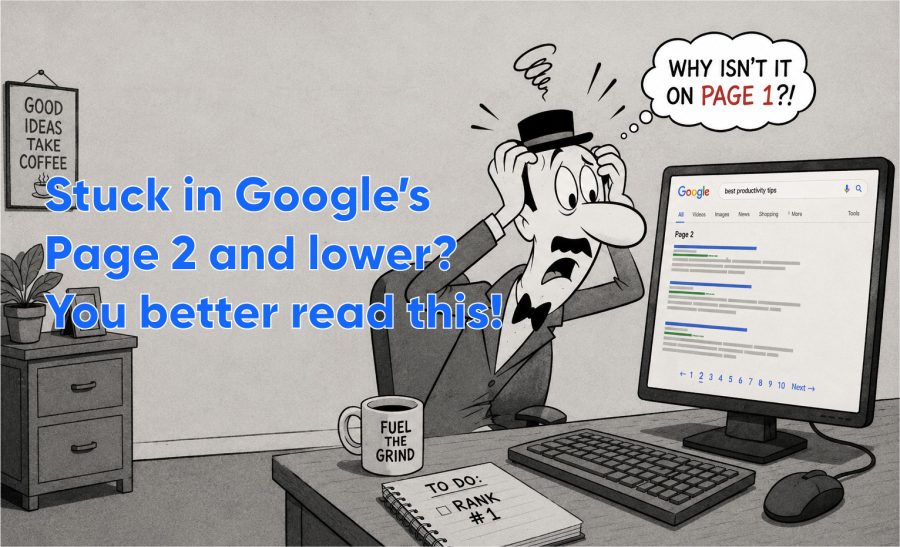
Getting stuck on page 2 is one of the most frustrating places in SEO. You are close. But close does not get clicks. Here is why it happens and what actually moves pages to page one.
If your page sits between position 11 and 20, it gets almost no traffic. Studies from search engine results research consistently show that fewer than 1% of users click past page one. You have done enough to get noticed by Google but not enough to beat the pages ahead of you. That gap is usually fixable.
Why page 2 happens
Google has decided your page is relevant for a query but not quite as good as the ten results above it. This is not random. Google is comparing your page against those ten results on specific signals: how well the content covers the topic, how many authoritative sites link to it, how fast it loads, and how well it matches what the searcher actually wants.
The most common reasons for being stuck on page 2 are thin content that misses subtopics the top results cover, weak or zero backlinks compared to competing pages, and a mismatch between what your page is about and what the searcher is actually looking for. Any one of these can hold you back.
Pages ranking 11-15 are often one or two targeted improvements away from page one. The problem is not that the page is bad. It is that the pages ahead of it are slightly better on the signals Google is measuring. Fix the specific gap, not everything at once.
How to find out what is holding you back
Open Google Search Console and look at the queries where your page ranks 11-20. These are your targets. Now visit the pages ranking above yours and compare them directly. Are they longer? Do they cover subtopics you missed? Do they have more backlinks? Do they load faster? The answer tells you exactly where to spend your energy.
Do not try to improve everything at once. Pick the one or two signals where you are most behind and fix those first. Adding a section that covers a subtopic the top-ranking pages all include is often enough to move from position 14 to position 7. Then you can optimize from there.
What actually moves pages from position 11 to position 3
Improve the content
Read the top three results for your target query and list every subtopic they cover that your page does not. Add those subtopics. This is not about copying content. It is about coverage. If all three top results include a comparison table and your page does not, add one. If they all have a FAQ section and yours does not, add one. Google rewards pages that comprehensively answer a query.
Get better backlinks
Check which sites are linking to the pages above yours. Use a free backlink checker or the Bing Webmaster Tools. If those pages have ten links from relevant sites and you have none, getting even two or three relevant backlinks can move you significantly. Relevant means from sites covering the same topic as your page, not just any website. Our backlink strategy guide covers this in detail.
Fix the intent match
Sometimes a page is stuck because it answers the wrong version of a question. If people searching for your keyword want a how-to guide and your page is a product description, it will not rank no matter how good it is. Check the top results to see what format they use. If they are all guides and yours is a sales page, you need to rethink the page’s purpose for that query. See our section on search intent.
The shortcut that does not work
Buying cheap links or stuffing extra keywords into the page does not fix a page 2 problem. Google has seen both tricks before. Keyword stuffing makes pages harder to read and can trigger quality filters. Cheap links from unrelated sites add almost no authority and can look spammy. The fix is always to make the page genuinely better than what is ranking above it.
Updates take time to be crawled and re-evaluated. Google may take days or weeks to process a change. Also, if the update did not address the specific signal holding you back (thin content, weak links, intent mismatch), nothing will change. Use Search Console to identify the exact gap, fix that gap specifically, and wait for Google to re-crawl.
With a targeted content improvement and one or two quality backlinks, some pages move within two to four weeks. Others take longer depending on how competitive the query is. There is no guaranteed timeline. The more competitive the keyword, the more improvement is required and the longer the process takes.
Only if both pages are targeting the same query and confusing Google about which one to rank. That is called keyword cannibalization. If they target different queries, keep them separate. See our article on the cannibalization problem for a full guide.
Yes, but usually as a tiebreaker. If your content and backlinks are already comparable to the pages above you, a faster page can tip the balance. Core Web Vitals are a Google ranking signal. They rarely cause a page 2 problem on their own, but they can be the final factor keeping you from page 1.